

See the sim through your dash
Invisible
A dashboard with nothing to set up: it shows a part of your PC screen on your dash display, through SimHub's Screen Capture Area.
Invisible Dashboard
Nothing to set up.
It shows a part of your PC screen on your dash display, so you see the sim through your dash. There are no settings: set a Screen Capture Area once in SimHub and it does the rest.
Not the Invisible Dash Toggle: that is a button most of our dashboards have, which blacks out the dash while you drive.
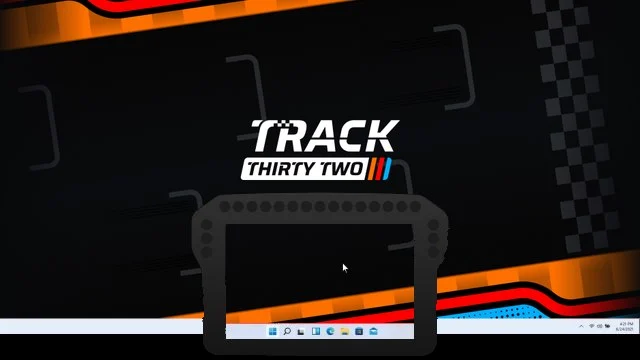
- Set a Screen Capture AreaIn SimHub, open Dash Studio, then Settings, and mark the part of your screen to show.
- Put Invisible on your dash displayLoad it like any other dashboard. It has no settings of its own.
- DriveYour dash shows that part of your PC screen, and the sim shows through.

Download it.
Race it free.
Invisible is free for every driver, with no membership needed. It runs in its own default look from the moment you install it.
The line-up
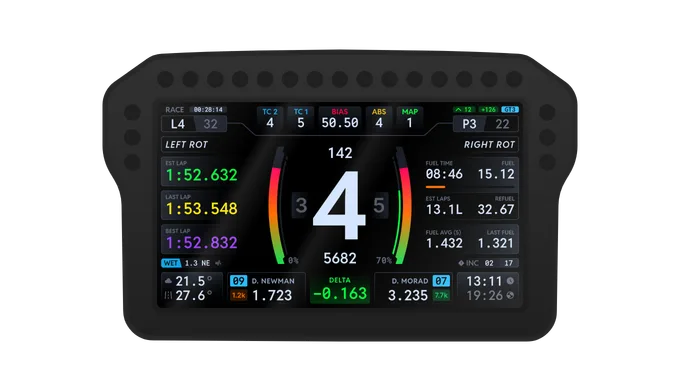
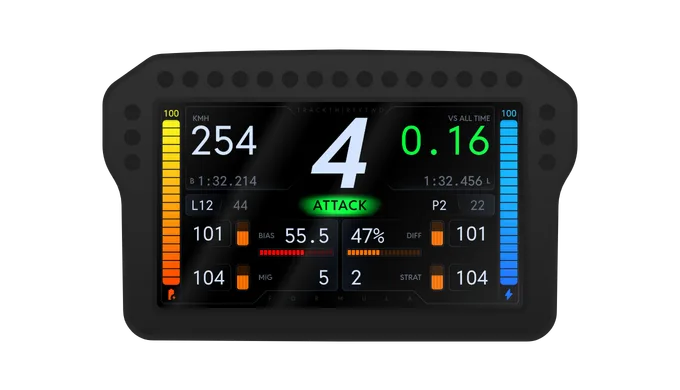
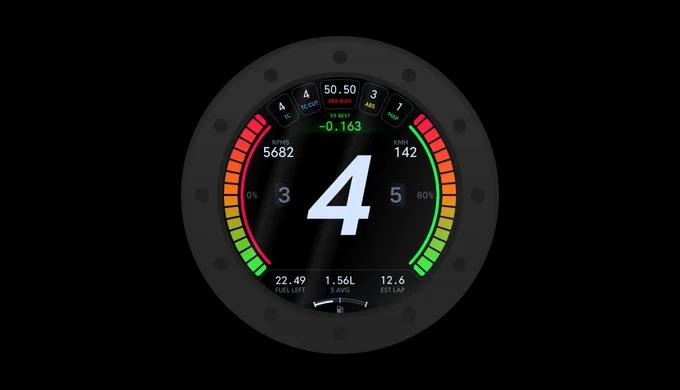
The other dashboards, every one free
Race with Invisible, free
Download it free and race it today. Make it yours with Pit Crew and above.