
Overlays
Virtual Flags
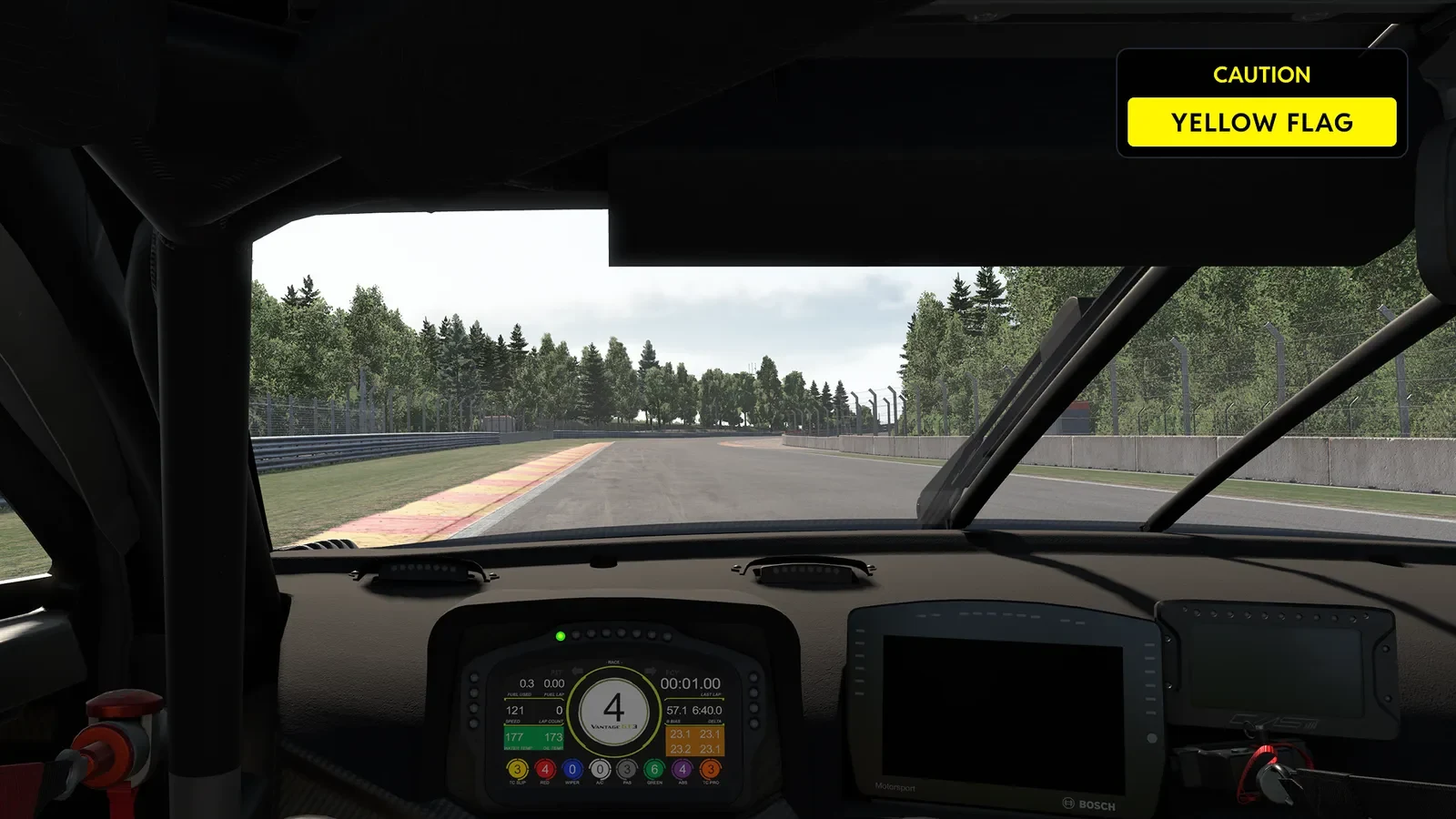
A flag panel over your sim that shows what race control is showing, the moment it is shown, in the flag's own colour and words, with the class and position of the car a blue flag is for.
Every flag, the moment it flies
Virtual Flags is a panel drawn over the game that waves whatever race control is waving: a yellow, a blue, a penalty, the last lap, the chequered flag. It appears the moment the flag is out, in that flag's colour with a word or two to say what it means for you, and it goes the moment the flag is withdrawn, so the rest of the time the corner of your screen is clear.
- Calls on the panel
- 24Calls on the panelFlags, starts and penalties, each with its own words
- Blue flag styles
- 3Blue flag stylesClassic, with the car's class, or class and position
- Flags you can switch off
- 11Flags you can switch offIn the Flags selection, for every device at once
- On screen with no flag out
- 0On screen with no flag outThe panel only appears while a flag flies
 and above
Virtual Flags, with Team Driver.
Overlays, Virtual Flags among them, come with Team Driver and above.
Why Virtual Flags wins
It tells you which, and why
A flag light can only show a colour. The panel writes the call over every flag: CAUTION, SECTOR 2, SLOW CAR AHEAD, LAST LAP, DRIVE THROUGH, even your incident count against the limit. You never have to work out which yellow, which white flag or which penalty you have just been shown.
Race control, on your screen
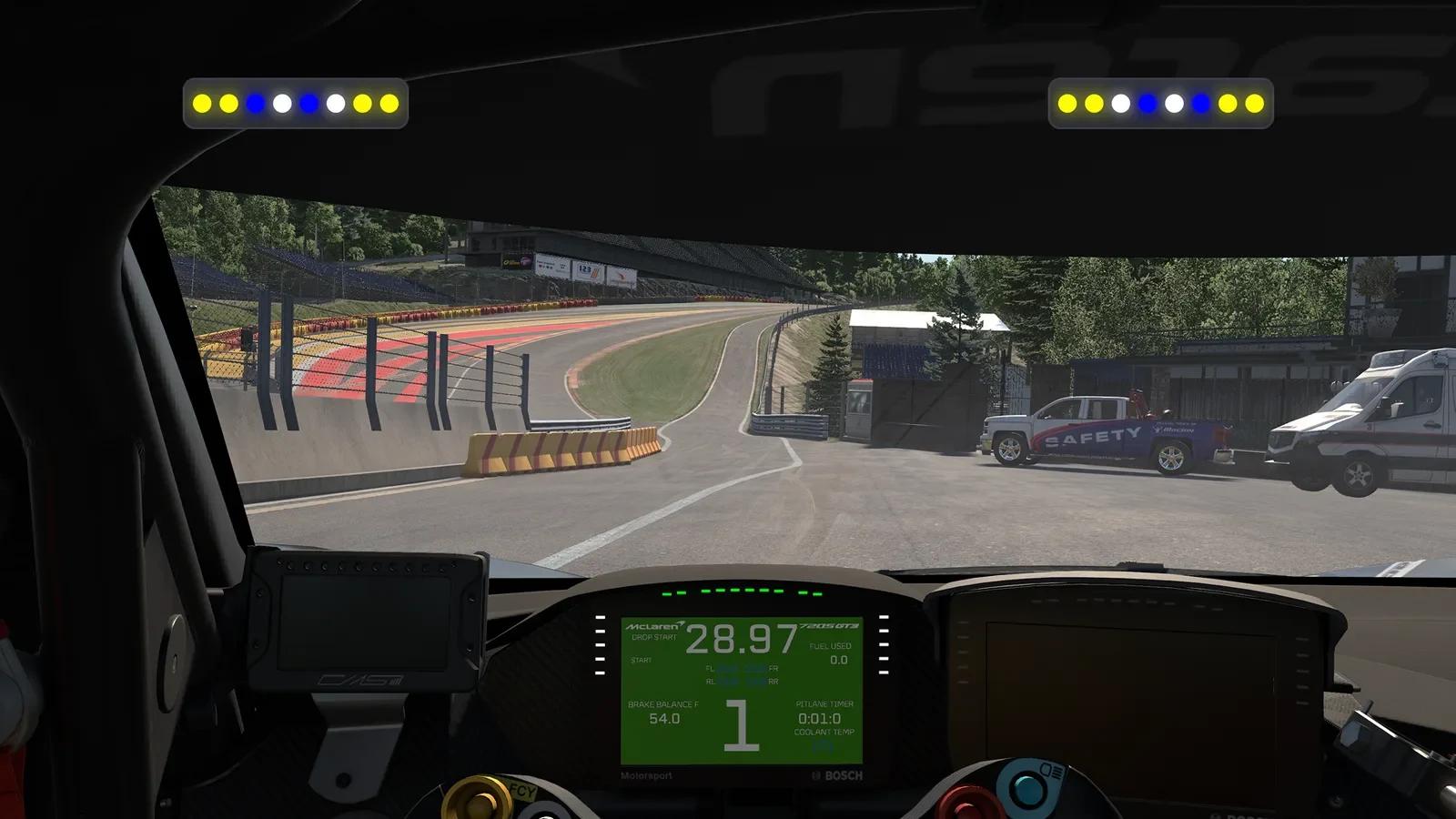
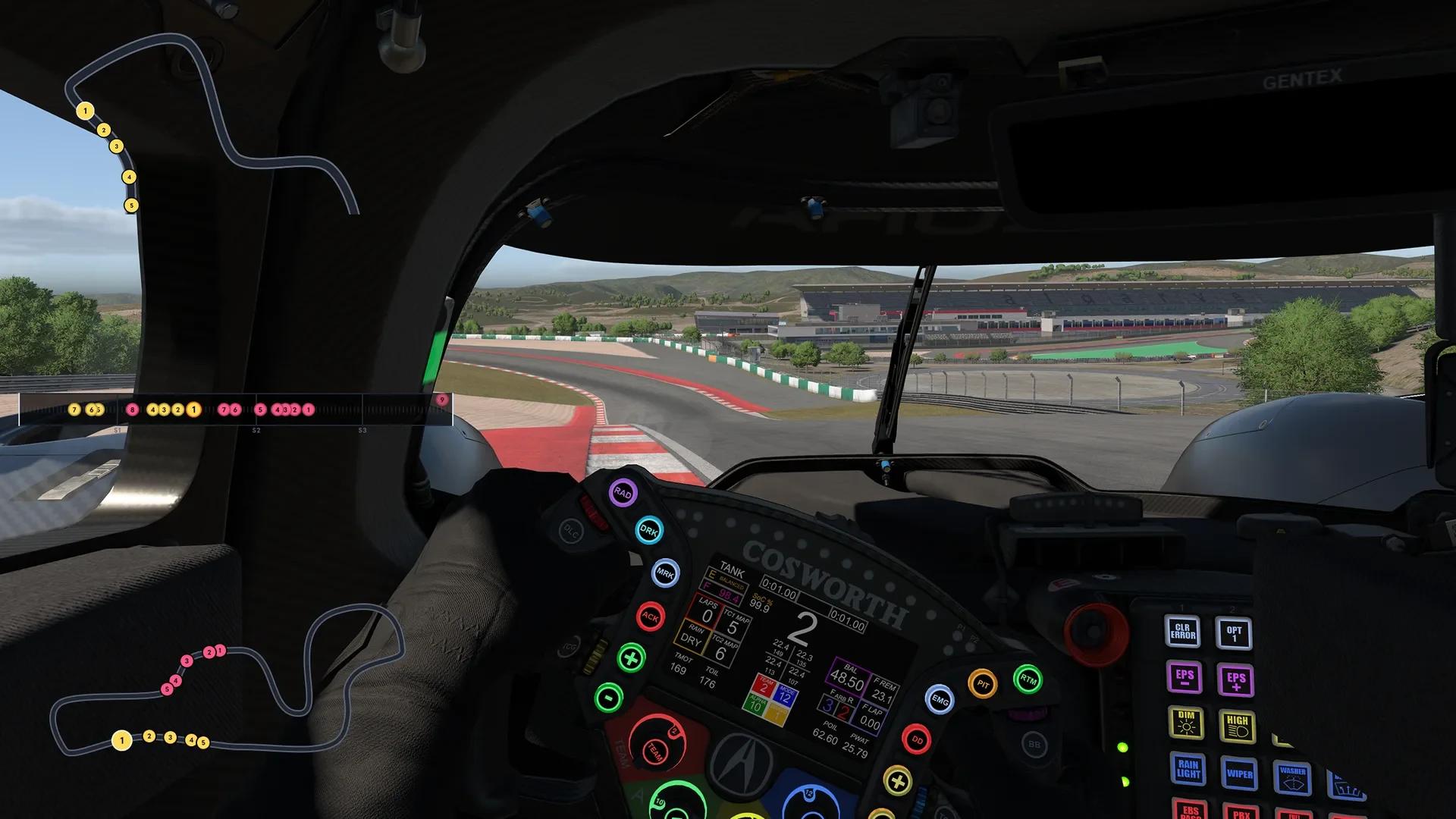
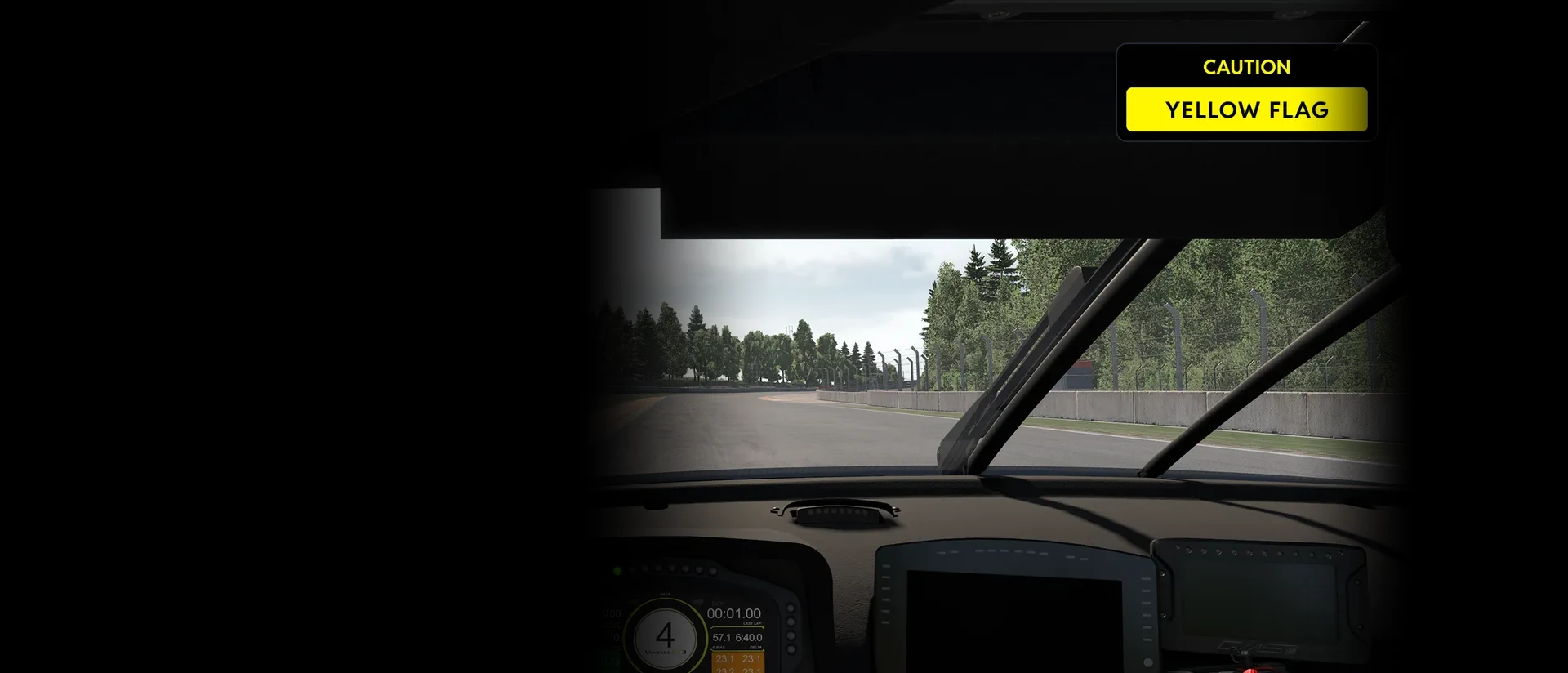
One real sim screen, with the Virtual Flags panel drawn over the game. Each chapter is one thing the panel does: press its options and the screen shows them at once.
Every call
Twenty four calls, in the flag's own colour
The panel makes 24 calls: flags, starts and penalties. Each arrives the moment the sim raises it, holds while it is out and goes when it is withdrawn. The calls that need you to act blink, so they never sit still at the top of your screen; the rest hold steady. Press any call and it flies now. Left alone, the race plays them in turn.
Call a flag
24 calls- Yellow, green, blue, white, black, orange and red, in the overlay's own colours
- The yellows, get ready and set blink every 500 ms
- The white and black flags and the penalties blink every 300 ms
- Green, blue, orange, red and the chequered flag hold steady
Blue flags
Know who is coming through
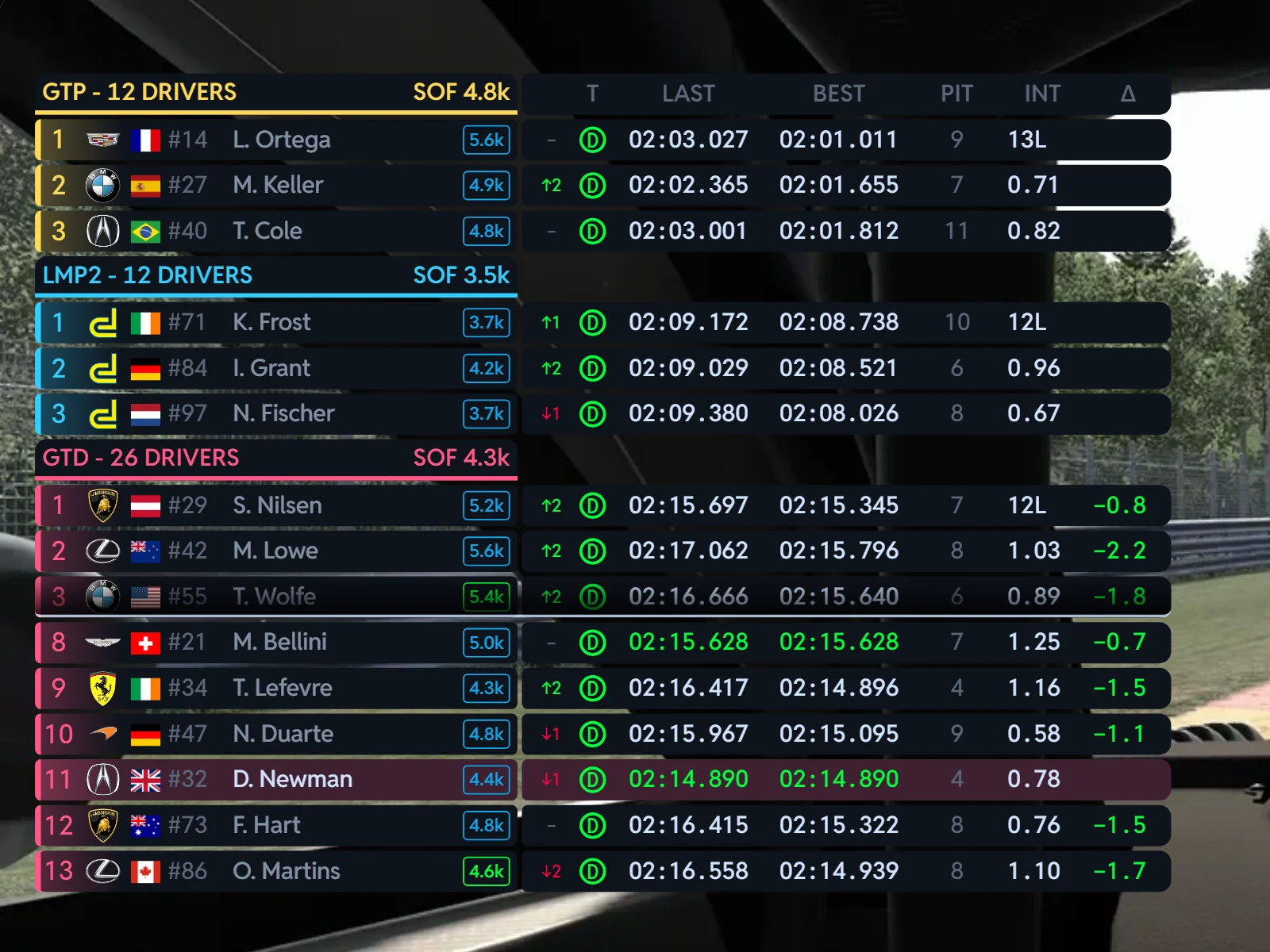
A blue flag on its own tells you to give way. Ours can tell you to whom. With Car Class, the line above the flag names the class of the car coming through; With Car Class and Position adds its place in that class, so you know whether you are letting the class leader by or a car you can race.
Blue Flag Style
- Blue Flag Style: Classic (Default), With Car Class, or With Car Class and Position
- The class as its first three letters: GTP, GTD, LMP
- Held back while a car is alongside you
- Multiclass data from TrackThirtyTwo ONE, falling back to SimHub's own
Sim by sim
The flags your sim really has
Every sim has calls of its own, and the panel reads each one: iRacing's get ready and set before the start, its debris, furled black flag and incident count; the sector yellows of ACC and Le Mans Ultimate; the safety car and virtual safety car in the F1 games; drive throughs and stop and gos in ACC, AMS2, RaceRoom and the F1 games.
Pick a sim
- Incidents in iRacing show your count against the limit, ∞ when there is none
- Penalties read DRIVE THROUGH, STOP & GO, SLOW DOWN or DISQUALIFIED above a red flag
- The chequered flag shows RACE FINISHED, the white flag LAST LAP or SLOW CAR AHEAD
Your rules
Only the flags that matter to you
The Flags selection decides which flags take part, and it is one setting for every TrackThirtyTwo device at once: switch the blue flag off and it goes from the panel and your brows together. Sector yellows can show from the whole track, or only while you are in the sector they are waved in.
Flags Visible Yellow Sector
- Eleven flags to keep or drop: green, blue, yellow, red, black, chequered, safety car, white final lap, white slow car, orange and debris
- Flags Visible Yellow Sector: the whole track, or only your current sector
- Checkered Flag Duration and White Flag Final Lap Duration, 1 to 60 seconds, 10 as standard
- Show Flag Animation, or a flat, static flag
Show Flag Animation
A flag that moves, or one that holds still
Show Flag Animation overlays a subtle animated shading on top of the flags, so the panel reads as a flag rather than a block of colour. Turn it off for a flat, static flag.
Show Flag Animation
- On as standard
- Off: a flat, static flag
- One of the two settings on the plugin's Virtual Flags page, with Blue Flag Style
In phase with your rig
One flag, everywhere at once
The panel reads the same flag the rest of TrackThirtyTwo reads, so a yellow on screen is a yellow on your flag box, your brows and your dashboard, at the same moment. Race on one screen and it is your flag box; add the hardware later and the two agree.
- The same flag checks as the TrackThirtyTwo LED profiles
- No flag box or brows yet? The panel stands in for them
- Got both? There is nothing stopping you running the two
Your screen
Where your eye already goes
Quick setup puts the panel at the top centre of the screen as standard. Pick any of nine positions and a size from 50 to 200 per cent, or drag it exactly where you want it with Fine tune, then let it start with the game every time.
Position
- Top centre as standard, or any of nine positions
- Fine tune: drag and resize it on screen, in SimHub's own edit mode
- Start with the game, and keep it in menus and pauses if you like
- On a triple screen, the centre screen or the full width
Every sim's flags, in one panel
The panel reads the flags SimHub reads from your sim, and the calls each sim has of its own.
Every sim that reports them
- Yellow, green and blue
- White: last lap and slow car ahead
- Black and orange
- Checkered
Calls of their own
 iRacing: get ready, set, debris, incidents, furled black
 ACC and Le Mans Ultimate: sector yellows
 The F1 games: safety car, virtual safety car
- ACC, AMS2, RaceRoom, F1: drive through, stop & go
Alongside
- Your flag box and brows, reading the same flags
- The Virtual Brows, Leaderboard, Track Maps and Virtual Box
- A single monitor, an ultrawide or a triple screen
Virtual Flags, answered
What does Virtual Flags show?
A large, unmissable flag panel: whatever race control is waving, the moment it is waving it, in the flag's colour with a line above it saying what it means. When no flag is out, the panel is not on your screen at all.
What are the Virtual Flags settings?
Two, on the Virtual Flags page. Show Flag Animation overlays a subtle animated shading on top of the flags; turn it off for a flat, static flag. Blue Flag Style is Classic (Default), With Car Class, or With Car Class and Position.
Can I stop a flag from showing?
Yes. The Flags selection, under Device Settings, switches each flag on or off for every TrackThirtyTwo device at once, the panel included. It is also where the Checkered Flag Duration and White Flag Final Lap Duration are set, from 1 to 60 seconds.
I have a flag box. Do I need Virtual Flags?
Virtual Brows and Virtual Flags are for rigs without the hardware. If you have a real flag box you do not need them, though there is nothing stopping you running both.
Where does the panel go on my screen?
Quick setup on the Overlays hub puts it at the top centre as standard. Each overlay gets a Position, one of nine anchors from Top left to Bottom right, and a Size from 50 to 200 per cent. Fine tune positions opens SimHub's on screen edit mode so you can drag and resize it; press it again to finish.
Which membership do I need?
Team Driver or above. Team Driver adds the rest of the lighting plus the on screen panels: Overlays.
Ready for Virtual Flags?
Virtual Flags unlocks with Team Driver and above, and runs from the free TrackThirtyTwo SimHub plugin.