LED profiles
RPMs
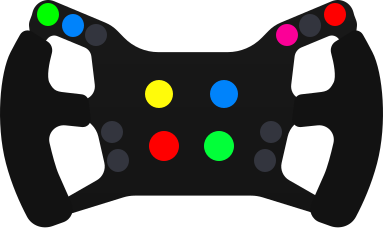
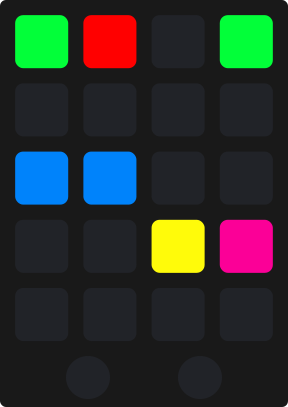
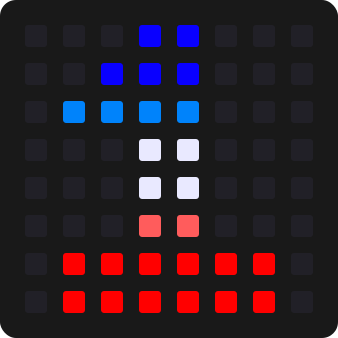
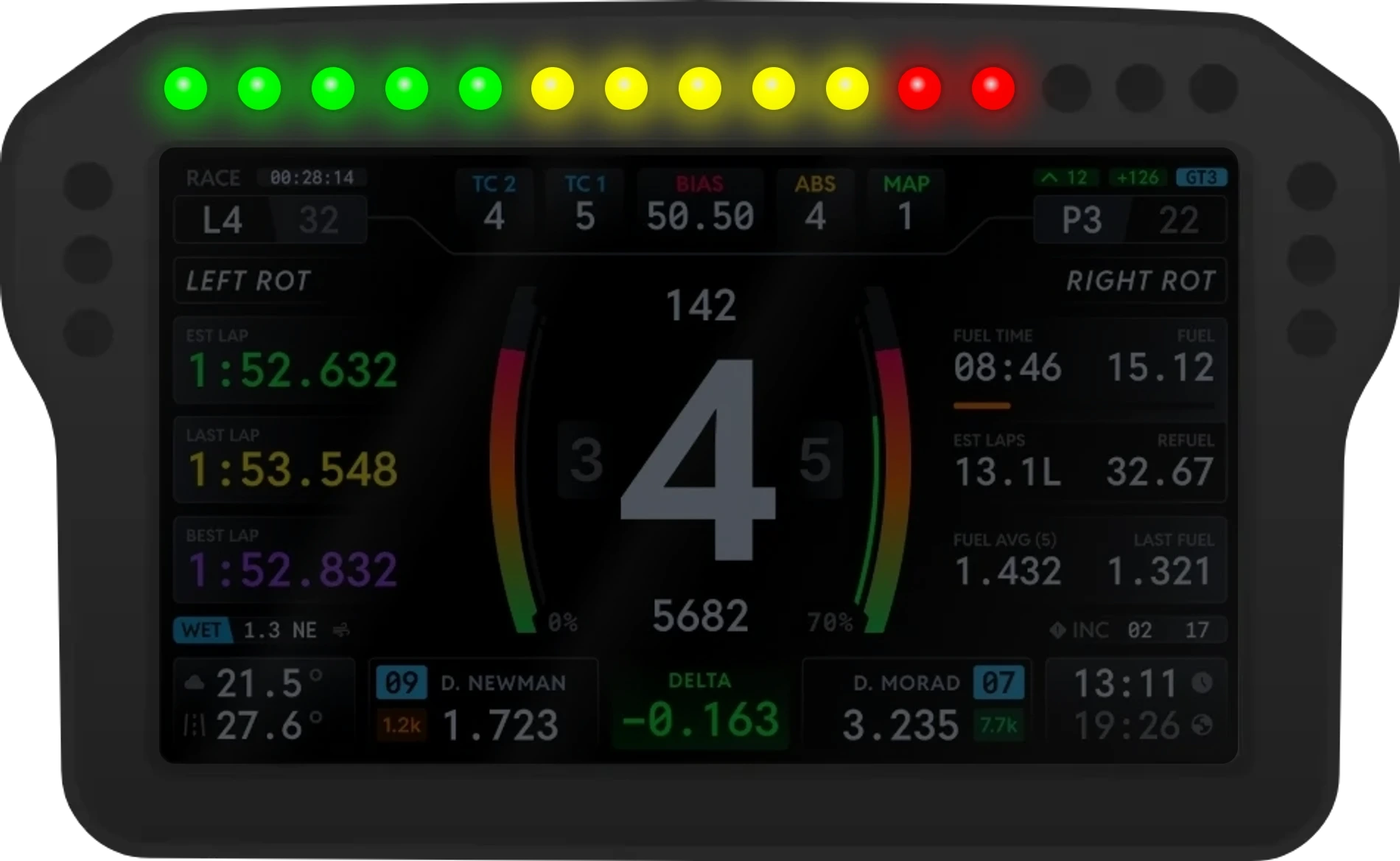
The flagship LED profile. Rev lights that light the way each car's own do, for hundreds of cars, generic styles in every theme, and the brake, ABS, TC, flags, spotters and hybrid on the side LEDs. One profile fits every device.
Rev lights that know your car
Your rev bar lights the way each car's own dash does: the same colours, in the same order, with the same flash at the shift, fitted to however many LEDs your wheel or DDU has. Around it the side LEDs carry brake pressure, ABS, TC, the flags, a car alongside and the hybrid. One RPM profile does all of it, on every LED device you own.
- Ways to draw a car
- 3Ways to draw a carAs the car shows it, filled across the bar, or in your generic style
- Telemetry effects
- 21Telemetry effectsEach one on or off, per device
- Telemetry Functions
- 6Telemetry FunctionsRevs, brake, pedals, fuel or the flags on the bar
- Devices at once
- 16Devices at onceEach with its own layout and settings
 and above
RPMs, with Pit Crew.
Free with a signed in account: the generic rev bar in every car, with every effect on TrackThirtyTwo's own settings. Pit Crew and above add Specific RPMs, each car's own lights, and make every style, colour and effect yours to set.
Why RPMs wins
Car data that keeps up on its own
New cars and fixes reach your rig through TrackThirtyTwo PULSE, which checks for newer car data by itself. A new car needs nothing downloaded and nothing reinstalled, and if a download is ever wrong the rig keeps the copy built into the plugin, so it never ends up with less than it shipped with.
Pick a car. Watch it rev.
One device, driven by a car that is flat out through the gears, braking for a corner and away again. Each chapter is one thing the RPM profile does: pick its options and the device shows them at once.
Specific RPMs
The car's own lights, fitted to yours
Every car on the list has its shift lights recorded from its own cockpit in the sim: how many lights, their colours, the order they come on in and what the bar does at the redline. The plugin fits them to however many centre LEDs your device has, and a car that changes its lights from gear to gear changes them on your rig too.
Pick a car
How the car's lights are drawn
- As the car shows it: light for light, centred, spare lights dark
- Filled across the bar: the car's lights stretched over every light you have
- Your generic style, timed to the car's own shift points
- Force Redline Blink, for cars whose own lights hold still at the redline
- Redline values from the TrackThirtyTwo database, or SimHub's per car settings
Generic RPMs
Your own bar, in any car
Switch Specific RPMs off, or drive a car that is not on the list yet, and the generic bar takes over. Pick how it fills and which theme it wears, and it behaves the same in every car: it starts at the RPMs Start Threshold and turns to the theme's redline colours at the limit.
Generic RPMs Settings
- Left to Right, Meet in the Middle or F1 Style
- 34 colour themes, the same list on every TrackThirtyTwo LED profile
- Fitted to however many centre LEDs your device has
Telemetry Function
One bar, six jobs
The long run of LEDs across your wheel or DDU does not have to show revs. Each device has its own Telemetry Function, so a second device can show brake pressure, both pedals or the fuel gauge while your wheel keeps the rev lights.
Telemetry Function
- RPMs & Brake Pressure, the default, or RPMs only
- Brake Pressure only, or Brake & Throttle Input for trail braking practice
- Fuel Gauge, in a static colour or a red to green gradient
- Marshal Flags, drawn across the whole centre bar
Brake
Find the edge of a lock up in light
Brake pressure lights up as you press, brighter the harder you brake. Past the first stage it starts to blink, past the second it blinks twice as fast, so the point where you are braking hard and the point where you are close to locking both have a look of their own.
Brake Pressure Type
- Brake Pressure Type: Telemetry LEDs (Default), Left to Right, Right to left, Meet in the Middle or In to Out
- Blink Percentage Stage 1 and Stage 2, 80% and 100% to start with
- Brake LED Position, or a custom start position and length
- ABS on the first side LED and TC on the second, lit while they work
Pit lane
Through the pits without a penalty
Four pit effects, each answering its own question. Over the limit with the limiter off, the whole bar flashes red. In the pit lane without it, the ends flash red. With it on, the limiter plays across the bar and the ends flash yellow. Past the exit line with it still on, the ends flash green: time to switch it off.
The stop, part by part
- Pit Lane Indicator, Pit Lane Alerts and Pit Lane Speeding, each on or off
- Speed/Pit Limiter, the switch for every limiter effect on the device
- The limiter in your two Universal limiter colours, the same on every device
Race alerts
Flags, traffic and fuel at the edge of your eye
The LEDs either side of the rev bar are where the race talks to you. A marshal flag blinks down both sides in its own colours, a car alongside lights the side it is on, low fuel runs a red light down each side, and the engine start showers every LED with sparks. Each one plays as it happens, then hands the LEDs back.
Play one
- Marshal flags on the side LEDs, blinking at the Flags Blink Frequency
- A car alongside, on its own side, quicker when it is close
- Low fuel, one red light running down each side
- Engine Startup Animation over every LED
- Every position and length can be set by hand, per device
Hybrid and overtaking
The battery, on the side LEDs
ERS deploy and regen, the battery's state of charge, KERS and the lap deploy limit and Push to Pass each have a side LED of their own, coloured by how much you have left, so you can manage the energy without taking your eyes off the braking point. DRS lights from the detection point to activation.
- ERS Mode in its own colour: No Deploy, Low, Medium/Balanced, High/Hotlap/Attack, Max/Overtake/Qualify, Charging/Build or Wet/Rain
- ERS State of Charge: green, yellow, orange, then red as it drains
- KERS for the F1 cars of 2009 to 2013, and the lap deploy limit on modern F1 cars
- Lift and Coast in Le Mans Ultimate, SC Delta in the EA F1 games
- What shows depends on the car and the sim: a car with no hybrid reports none
One profile
Every device, its own job
There is one RPM profile and it fits every device. Install it and the plugin reads the device's layout and sets its centre and side LEDs for you. Each device then keeps its own Telemetry Function, effect positions, rev bar style, colours, brightness and idle animation, so a wheel, a DDU and a second strip can each do something different.
- Presets per device and per game, loaded as the session starts
- Hotkeys for the preset, the RPM style and colour, brightness and Toggle Specific RPMs
- Idle RPMs: an animation of its own while no game is running
- Engine Startup Animation, Clutch, Headlight Flash and Turn Indicators
- Spectator Mode: telemetry LEDs while you spectate, or none
Your car has its own shift lights
We record each car's shift lights straight from its cockpit in the sim, then draw exactly that on your wheel, your DDU and the rest of your rig. 500+ cars in seven sims so far. Is yours on the list?
Try , or
See every carCar specific shift lights in these seven so far. Your rig lights up in every other major sim too, EA F1 included, with one setup that follows you between them.
An alternative, not a replacement
Every brand.
One experience.
TrackThirtyTwo does not replace the software your hardware maker gives you. It is an alternative to it: one that works with every brand on your rig and treats them all alike.


































01
Every maker's hardware
A maker writes software for its own wheel, and it stops at that maker's hardware. TrackThirtyTwo works with all of it, whoever made it.
02
The same on every brand
One set of settings, effects and themes across your rig, so it does not matter which brand you race on.
03
Everything in step
One suite runs every device, dashboard and overlay, so timings and animations never mismatch the way they can when different solutions are mixed.
Every rev light in your rig
One RPM profile runs on every device that shows rev lights, and each one keeps its own settings.
Devices
- DDUs and dashes with a rev strip
- Steering wheels with rev lights
- Every LED device SimHub drives
- Up to 16 devices at once
Layouts
- Any centre width, set as Number of centre LEDs
- Side LEDs worked out from the strip for you
- A device with no centre run at all
- Reverse strip, for lights wired the other way round
Sims with their own presets
 Assetto Corsa
 Assetto Corsa Competizione
 Assetto Corsa Evo
 Automobilista 2
 The F1 games
 iRacing
 Le Mans Ultimate
 Rally games
 BeamNG.drive
 Any other game
RPMs, answered
What is the difference between Specific RPMs and Generic RPMs?
They are two ends of the same chain, not a choice between two styles. Specific RPMs makes your LEDs mirror the real car's rev lights: they activate at the same RPM thresholds as that car's own dashboard, so an LMP2 and a GT3 shift at visibly different points, exactly as they do in the car. Generic RPMs is the fallback, used for any car that provides no rev lights of its own, so you are never left with a dead bar. Specific RPMs requires a Pit Crew membership or above, and a Toggle Specific RPMs hotkey switches between them without leaving the car.
Which RPM profile file do I download for my wheel or DDU?
There is now one RPM profile and it fits every device, so there is no file to match to your LED layout. Install it, then set Number of centre LEDs on the RPM Telemetry page: the long run of rev lights in the middle of the device, so 10 for a device laid out 3-10-3. The shift points for the car you are driving are fitted to whatever you pick, and the side LEDs are worked out for you when you install the profile.
What does the Telemetry Function setting do?
It chooses what the RPM bar, the long run of LEDs above your DDU or wheel, shows: RPMs with brake pressure (the default), RPMs only, brake pressure only, brake and throttle input, the fuel gauge, or the marshal flags. Every LED device keeps its own, so your wheel can run the rev bar while a DDU shows brake pressure or the fuel gauge.
How do the redline and shift flash settings work?
Redline Behaviour decides what the bar does when you reach the shift point: Flashing, the default, flashes the bar at you, and Static simply holds it lit. Last Gear Redline controls whether the flash still happens in your highest gear, where there is nothing left to shift into. The redline values come from the TrackThirtyTwo database, tuned per car, or from SimHub's own per car settings if you would rather set the shift point yourself.
Is my car supported, and does it have its own shift lights?
Every car with its own shift lights is on the Supported Cars page, sim by sim and searchable by name, with the live count of cars. Each one has its rev lights recorded from the car's own cockpit in the sim, and the list updates itself whenever a car is added. Car specific lights come with every membership from Pit Crew up; free gets the generic rev lights, which work in every car in every sim. If your car is not on the list, search for it there and ask us to add yours.
Why does an LED effect work in one sim but not another?
Every effect is drawn from telemetry the sim publishes to SimHub, so an effect can be set up perfectly and still never trigger in a title that does not report it. TC Active in iRacing needs the third party Dahl SimHub plugin, ABS Active is not available in iRacing at all, Lift and Coast is only available for Le Mans Ultimate, SC Delta is for the EA F1 series, and the hybrid effects need a hybrid car.
Ready for RPMs?
Sign in free and the generic rev bar runs in every car. Pit Crew and above add each car's own lights and make every style, colour and effect yours, all from the free TrackThirtyTwo SimHub plugin.