LED profiles
Wheel Buttons
Your wheel's button and dial LEDs become telemetry: 29 button effects, ten rotary effects with the car's own ranges on TC and ABS, 34 colour themes, the flags, a car alongside, the pit limiter and a flash at every shift.
Your wheel's buttons, lit with the race
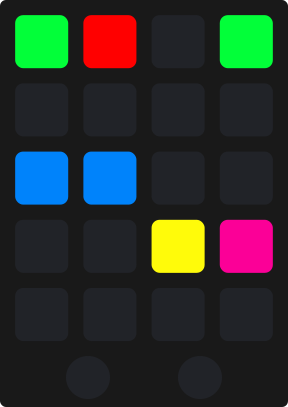
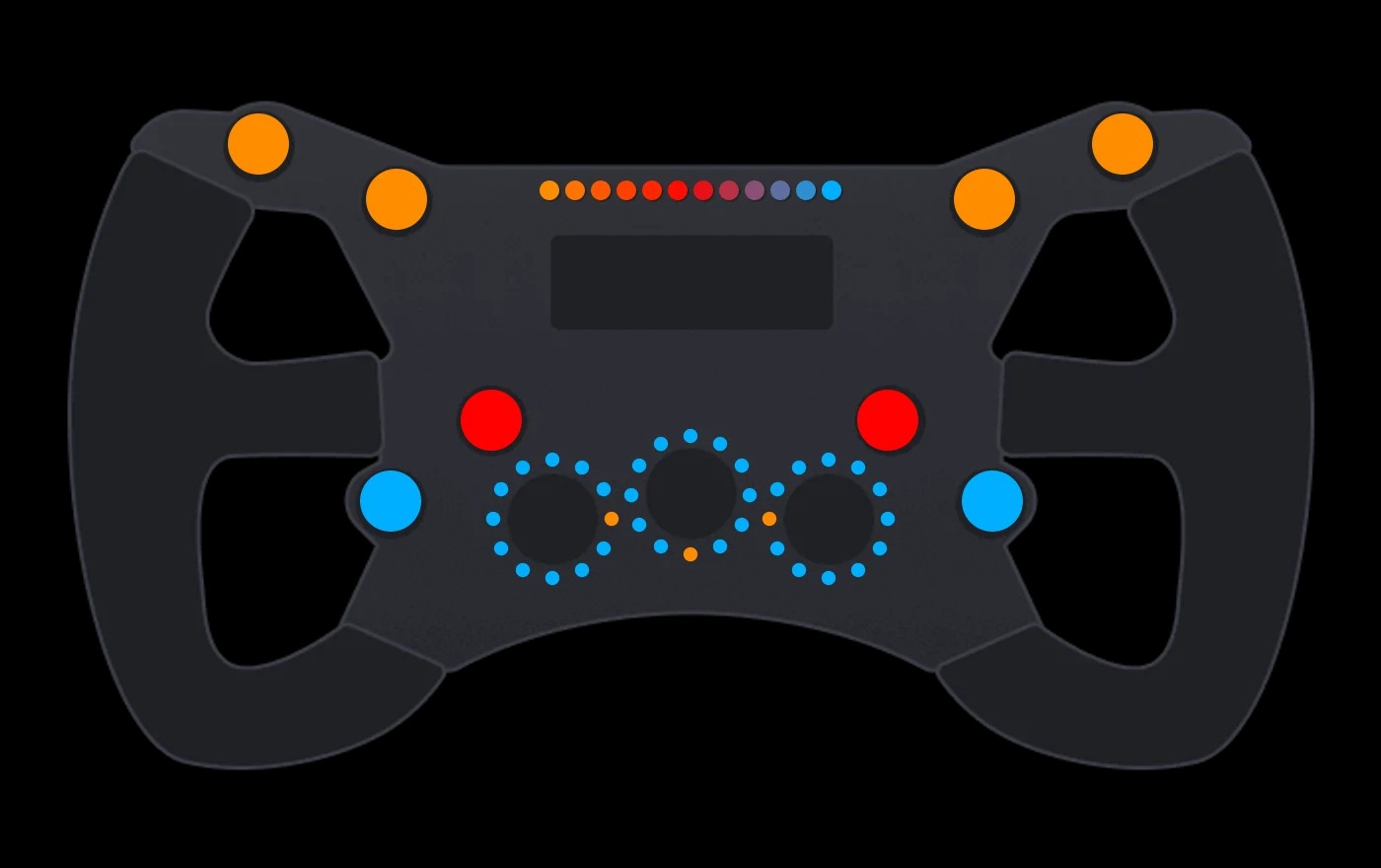
Every button can show something the car is doing: the headlights, DRS, the pit limiter, ABS stepping in, the fuel running low. The dials show the setting you are on, the whole wheel waves the flags and lights the side a rival is on, and it wears any of 34 themes, in the menus and on track. All of it is set on a drawing of your own wheel in the plugin.
- Button Effects
- 29Button EffectsFrom the headlights to Fast Repair
- Rotary Effects
- 10Rotary EffectsTC, ABS, TC Cut, Engine Map and more
- Colour themes
- 34Colour themesPlus Custom, button by button
- Idle animations
- 16Idle animationsOn every wheel, two more with a matrix screen
 and above
Wheel Buttons, with Pit Crew.
Pit Crew and above light your wheel's buttons, dials and rev lights with every theme, effect and animation on this page, Dark Mode included.
Why Wheel Buttons wins
Set up on a drawing of your wheel
The plugin draws your actual wheel, so you click the real button on its picture to give it an effect, a colour or a behaviour instead of counting LED numbers, and its profile arrives built for that wheel's exact layout of buttons, dials and rev lights.
One wheel. Every light on it.
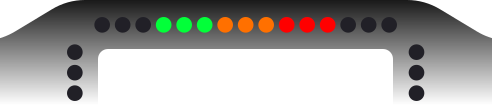
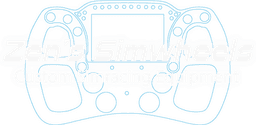
The plugin's own drawing of a Conspit 300 GT, every light where the plugin puts it. Each chapter is one thing the wheel's profile does: pick its options and the wheel shows them at once.
An alternative, not a replacement
Every brand.
One experience.
TrackThirtyTwo does not replace the software your hardware maker gives you. It is an alternative to it: one that works with every brand on your rig and treats them all alike.











01
Every maker's hardware
A maker writes software for its own wheel, and it stops at that maker's hardware. TrackThirtyTwo works with all of it, whoever made it.
02
The same on every brand
One set of settings, effects and themes across your rig, so it does not matter which brand you race on.
03
Everything in step
One suite runs every device, dashboard and overlay, so timings and animations never mismatch the way they can when different solutions are mixed.
The wheels the plugin draws
The plugin ships a drawing for each supported rim, so you click its real buttons. Wheel types are grouped as Round, Formula, GT, Rally and Hub.
Brands





















- Not sure yours is here?See every supported device
On the wheel
- Buttons, each with its own light
- Rotaries with a ring of lights
- Multi positional switches, with the Control Mapper
- Rev lights, run by the RPM profile
- Matrix screens, on the wheels that have one
Sims with their own presets
 Assetto Corsa
 Assetto Corsa Competizione
 Assetto Corsa Evo
 Automobilista 2
 The F1 games
 iRacing
 Le Mans Ultimate
 Rally games
 BeamNG.drive
 Any other game
Wheel Buttons, answered
What are the button behaviours on my steering wheel LEDs?
Open Steering Wheels, Button Effects and click a button on the wheel diagram. No Effect keeps the theme colour. Press lights the LED in your Press Colour while the button is pressed, and Press Effect Duration sets how many milliseconds it stays lit after you release, so a quick tap is still visible. Toggle holds one of two colours, Toggle Colour ON and Toggle Colour OFF, to show a state you are tracking yourself. Effect drives the LED from live telemetry, using one of the game effects such as Headlights, DRS or Pit Limiter. Per button colours are only editable on the Custom theme, and they are locked while Universal Theme is on.
Which car system effects can I put on a wheel button?
With a button set to Effect: DRS, lit when it is available or active; KERS and ERS Lap Deploy Limit; ERS Mode, the current energy mode; Push to Pass; Pit Limiter; TC Active and ABS Active, which flash while the aid is actually intervening; Ignition, Engine Start, and Ignition and Engine Start Combined; Low Fuel Alarm; Value Increase and Value Decrease; and TDM Toggle for Dark Mode. TC Active needs the third party Dahl SimHub plugin in iRacing, and ABS Active is not available in iRacing at all because the game does not publish it.
Are there iRacing specific button LED effects?
Yes. iRacing exposes its pit service commands to SimHub, so a wheel button can show Pass Left, Pass Right, Auto Fuel, Windshield Tear Off and Fast Repair. They light from iRacing's own pit service state, so the LED tells you what the game has actually armed rather than what you think you pressed. In other sims they never light, because no other title reports pit service in that form.
What is Car Ranges on a rotary?
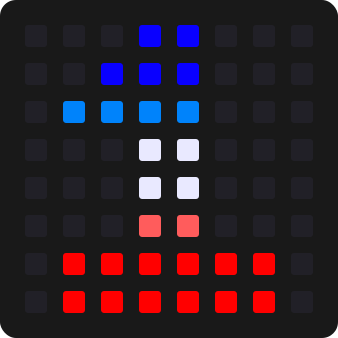
Car Ranges is a third Rotary Display Style, alongside Single LED and Fill to Current Value, for a rotary set to TC or ABS. Instead of lighting one position, it paints the whole ring with what the real car's dial does, then marks where you have it set: red is the off position, white the dry settings, blue the wet settings and green the setting you are on. At setting 0 the ring dims right down and the marker turns red. Do not set the dial up as an absolute encoder in SimHub: SimHub then writes that ring's LEDs itself and overwrites what the profile draws.
What colour themes are available for my LEDs?
Every LED device shares the same theme list, so a wheel, a button box and a flag box can all wear the same look. TrackThirtyTwo is the house colours and the default idle theme: orange across the top of the wheel, red across the middle, blue across the bottom. It and the newer themes follow the same top, middle and bottom rule in their own colours, so one theme fits every wheel; Racing, Arctic, Sunset, Rainbow, Citrus, Tokyo, Gulf Oil and Heritage are painted by hand per device. Custom is the one option that unlocks per button, per rotary and per LED colours.
What is Universal Theme and why has it locked my colours?
Universal Theme sets one colour across every compatible TrackThirtyTwo device at once, so your wheel, button box, eyebrows, flag box and telemetry LEDs all match. It has a Menu theme colour and a Game theme colour. Because its whole purpose is to override, any per device or per button colour is locked while it is on. To colour the wheel on its own, turn Universal Theme off and set the wheel's theme to Custom.
Ready for Wheel Buttons?
Wheel Buttons unlocks with Pit Crew and above, and runs from the free TrackThirtyTwo SimHub plugin.